Want a clean environment to create your blueprints? We’ve got you covered.
Three perfectly flat, empty design spaces, one for each era, with Sandbox mode and No costs switched on. Not maps to play: a workbench for building and capturing your perfect blueprints.
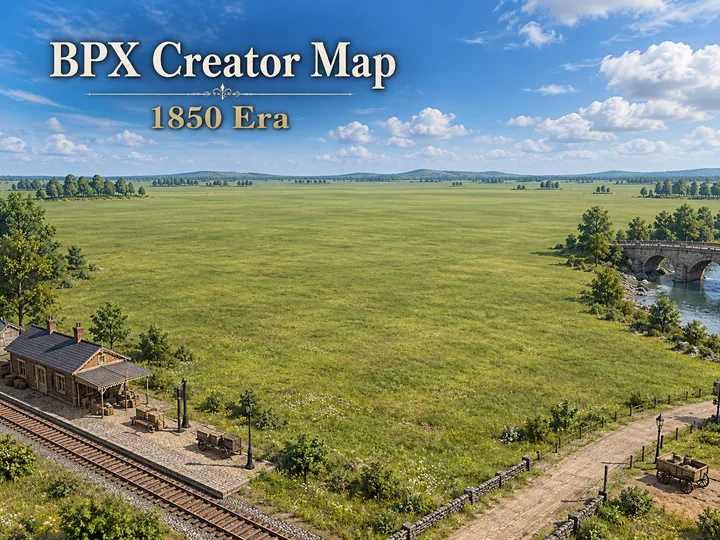 1850 Era
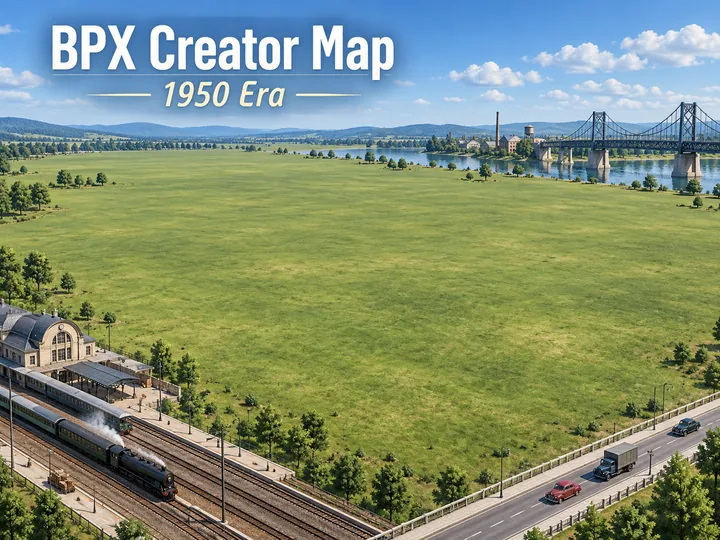 1950 Era
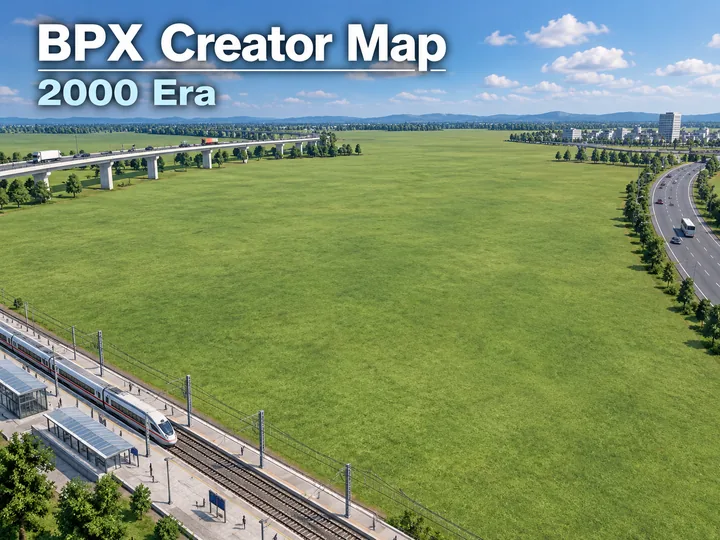 2000 Era
Blueprint Exchange Library
Community-built stations, yards, junctions and complete layouts ready to drop into your own Transport Fever 2 map.
Official These aren’t meant to be the best blueprints on the site — they’re just examples of what BPX can capture and share.
The really impressive stuff should come from you lot. 😄
If you build amazing stations, junctions, freight hubs, or entire transport complexes, upload them and show the community what you can do.
Pre-installed blueprints already come with the mod: every base-game industry, single, universal and scissor crossovers from 45 to 300 km/h, passing loops, sidings, turning wyes, yard fans, station throats, Ro-Ro turnaround loops, roundabouts in three sizes and lane widths, bypass and 16-stop central stations, and city, cargo and mixed stations ringed by streets that pass under or over the tracks, and more on the way. They’re in your game under Show: Built-in, so there’s nothing to download. The everyday layouts are covered; the library grows with what you build.
What players say about Blueprint Exchange
Thank you so much for this excellent idea and the work you put in to make it function so well! … I started with Transport Tycoon Deluxe and OpenTTD, but was always frustrated by my inability to create efficient hubs, and going bankrupt with “traffic jams” on my railways!
It adds so much more pleasure to the game being able to “drop” a working station into my network and then to analyse what works and what does not!
Built something worth sharing?
Capture it in game, upload it here, and other players can use it.